
Professional Invoices
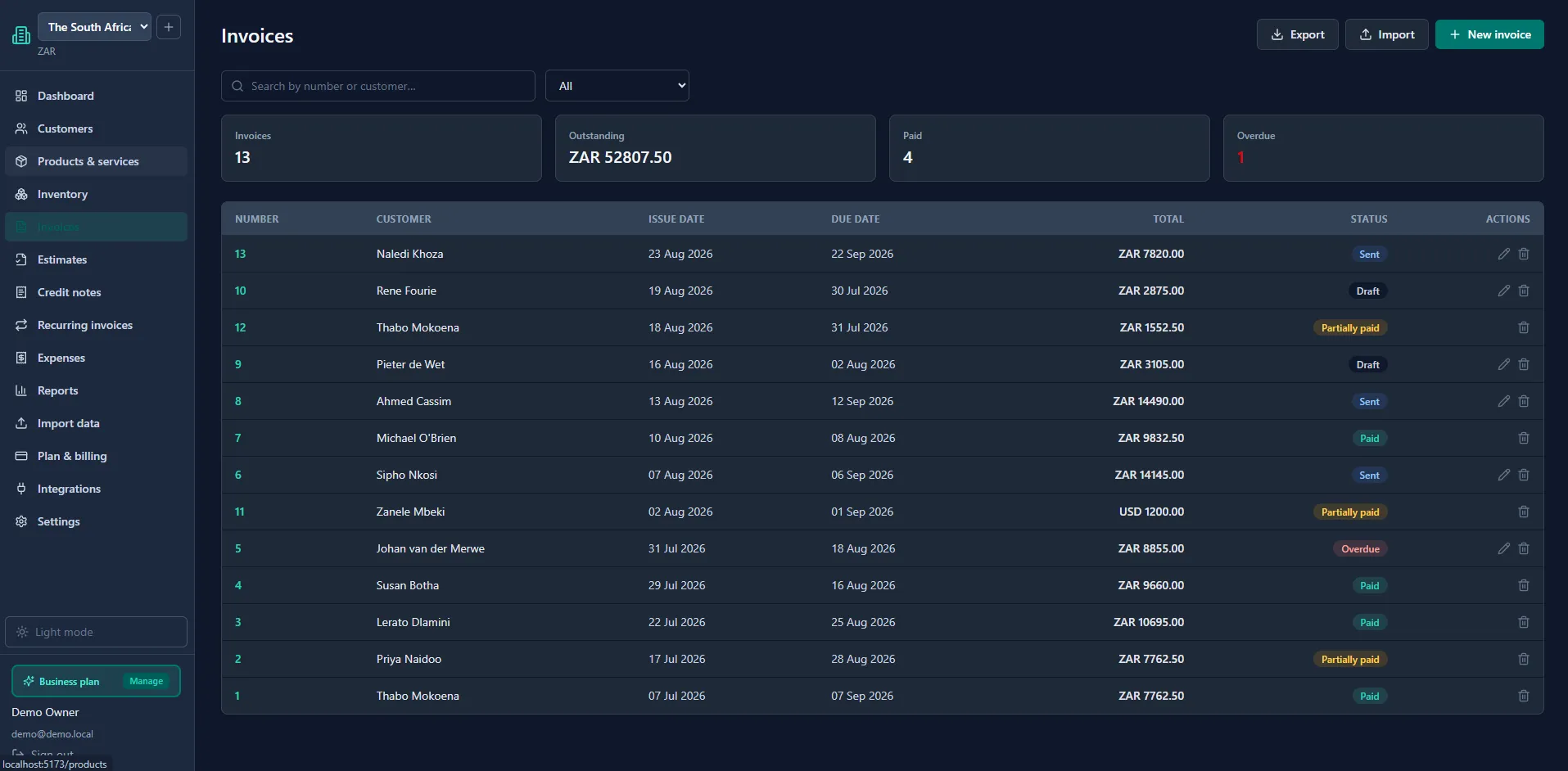
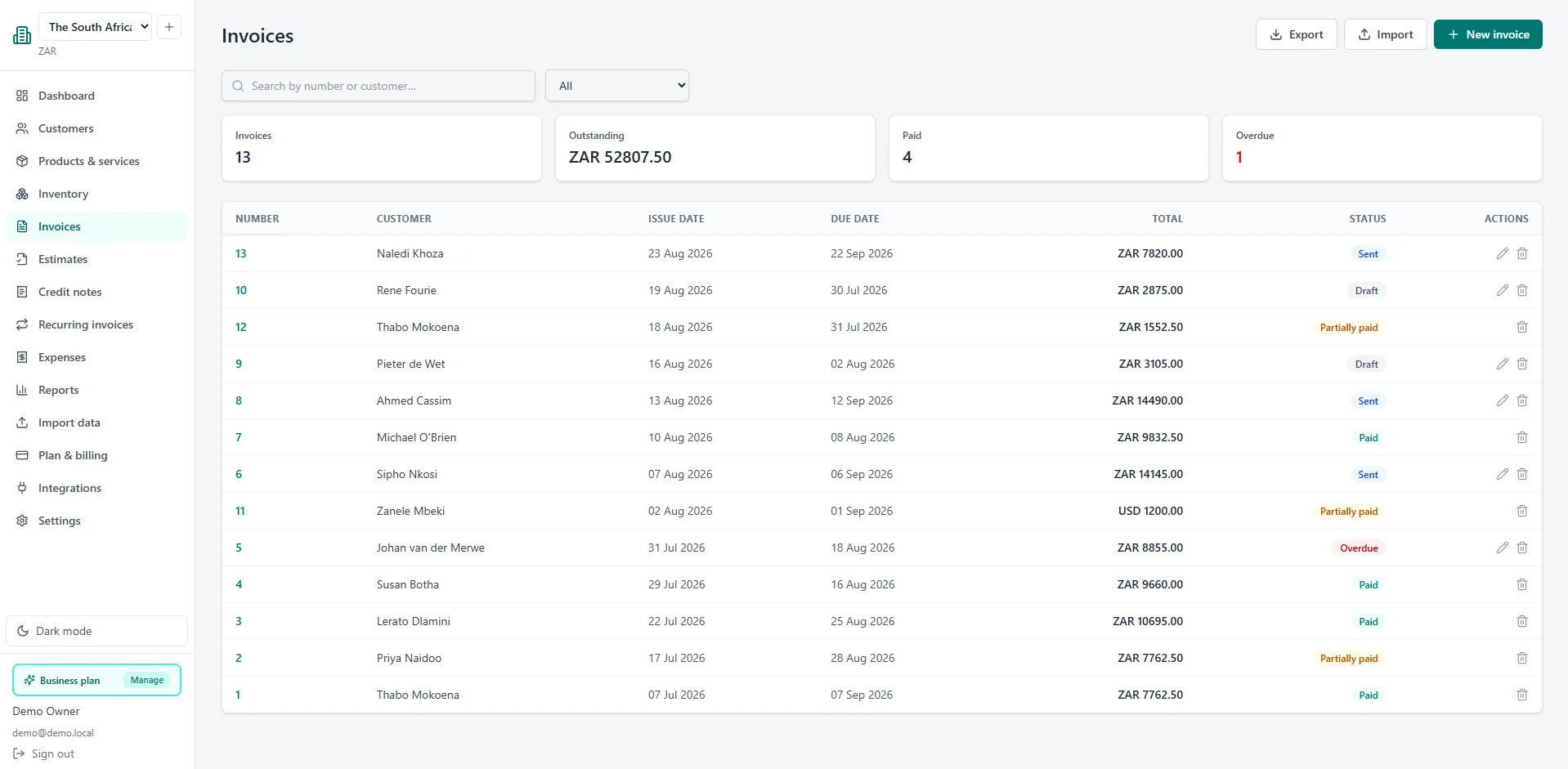
Branded, numbered invoices with your logo and colours, sent straight to your customer's inbox. Track draft, sent, paid and overdue at a glance.
Create professional invoices and quotes in minutes, accept PayFast payments, track expenses and get paid faster. Free to start - no credit card required.
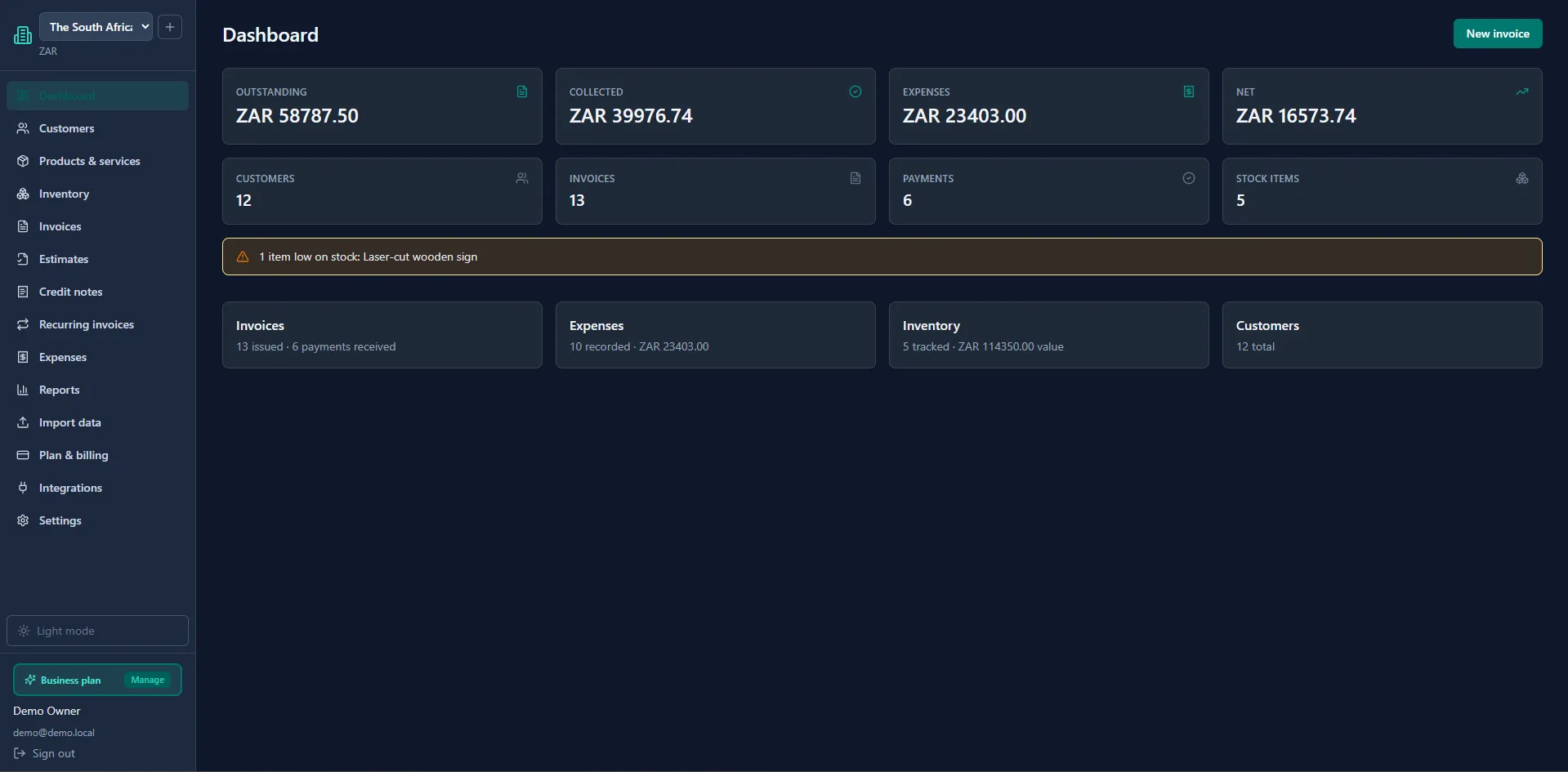
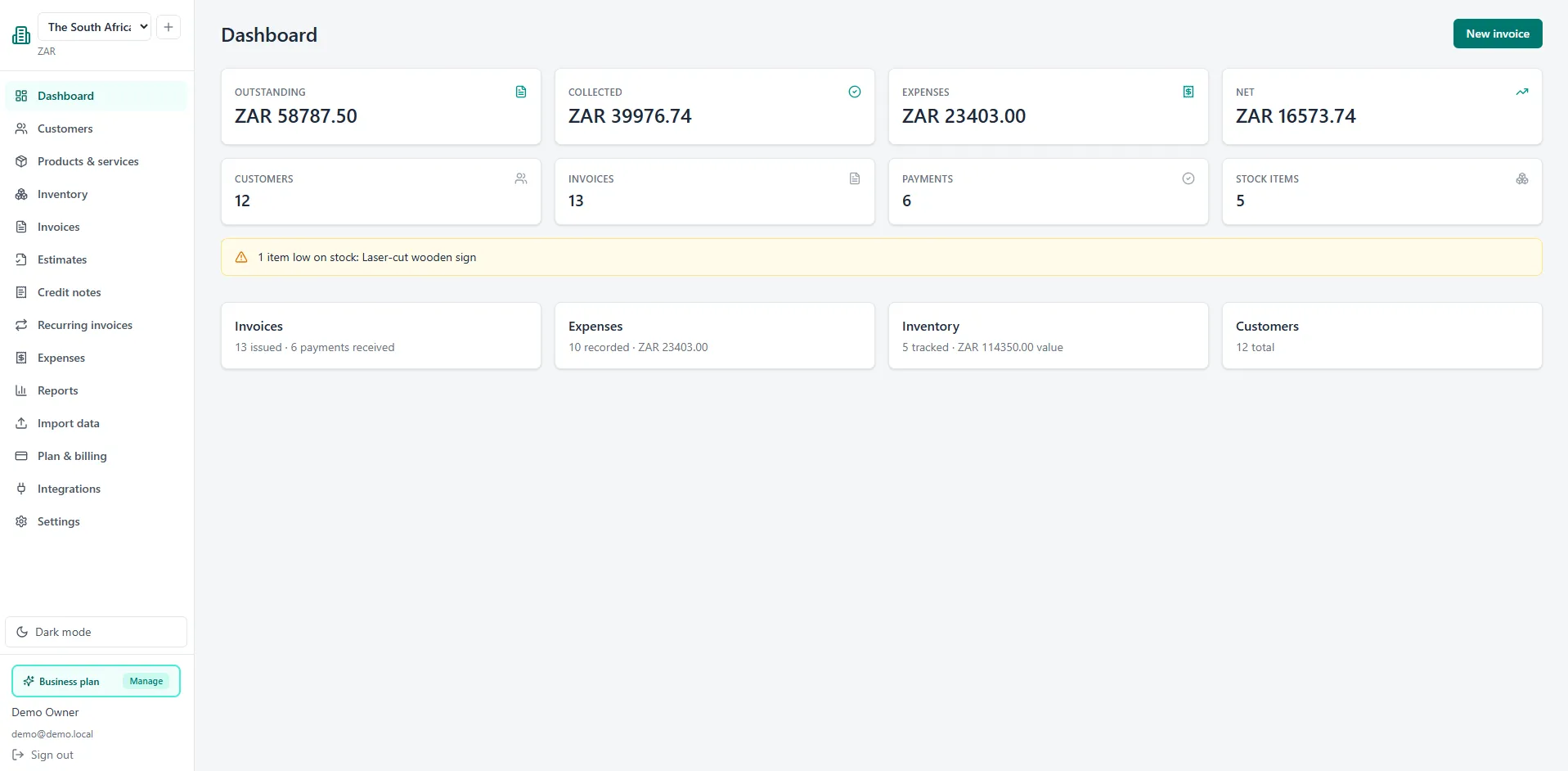
One clean workspace for your invoicing, quoting, expenses and reporting - without the bloat.
Branded, numbered invoices with your logo and colours, sent straight to your customer's inbox. Track draft, sent, paid and overdue at a glance.
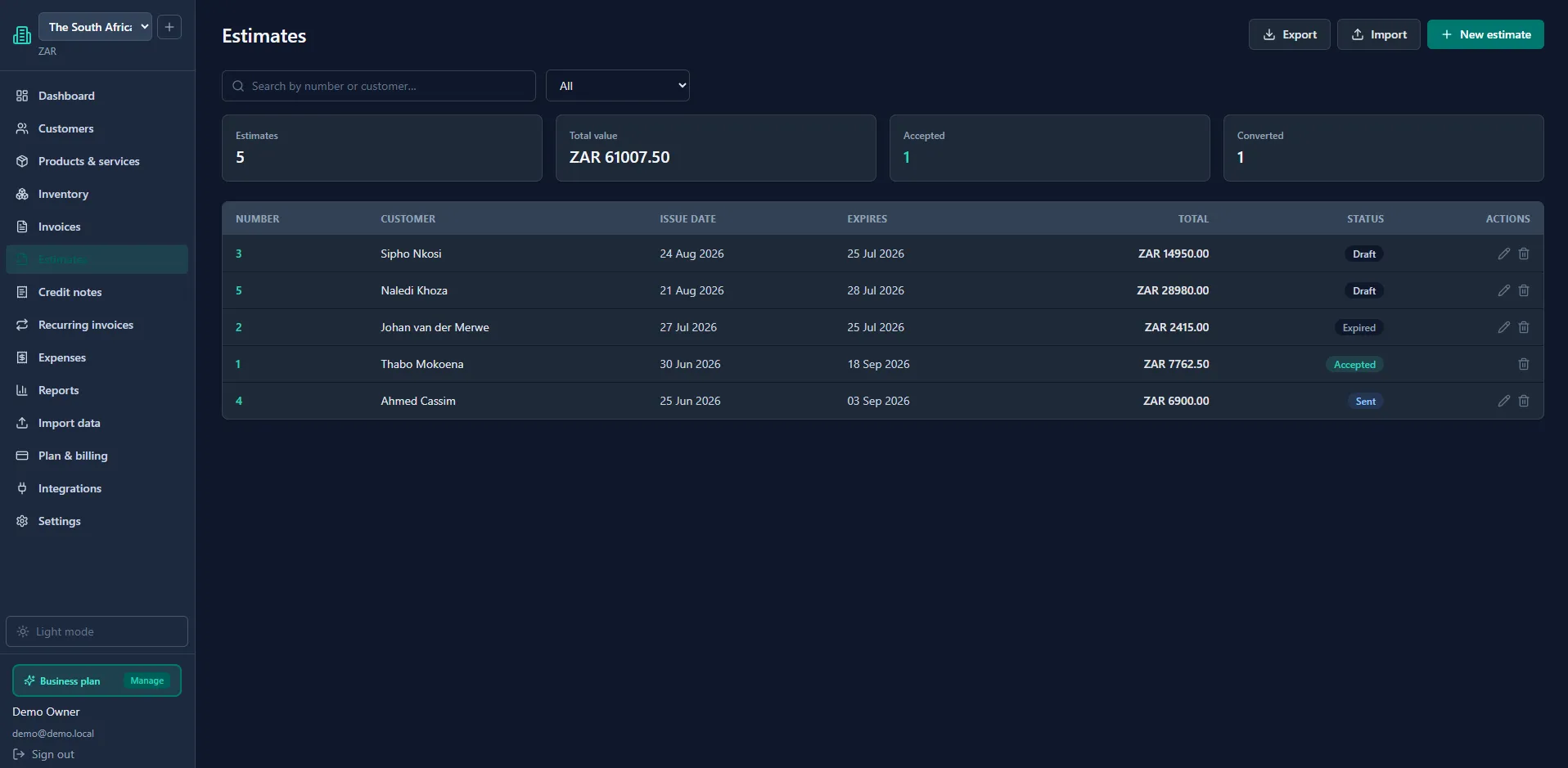
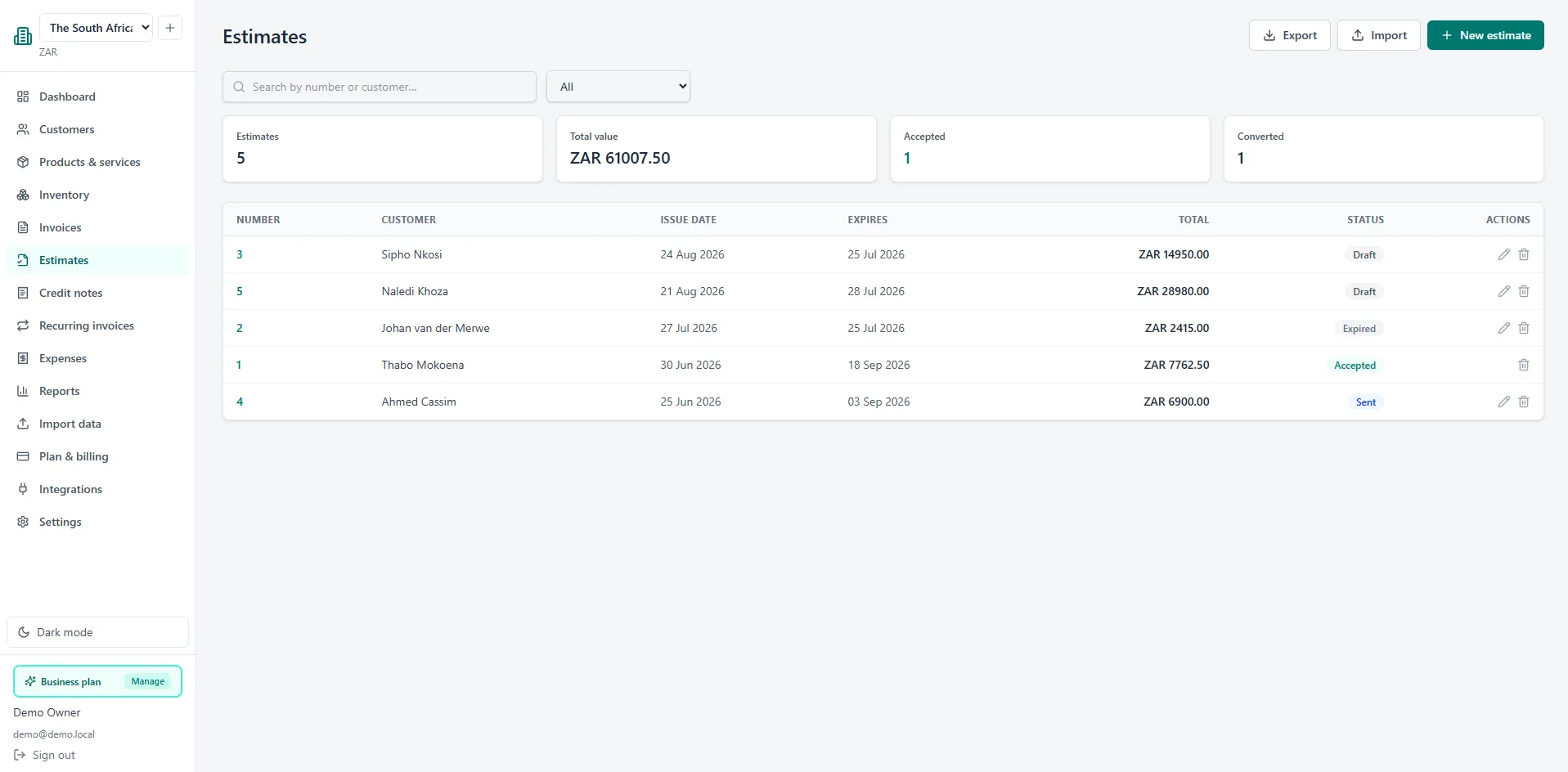
Turn a quote into an invoice with one click. Customers can review the terms, and you always know where each deal stands.
Accept card and instant EFT with PayFast directly from the invoice. Payments update automatically and receipts are emailed to your customer.
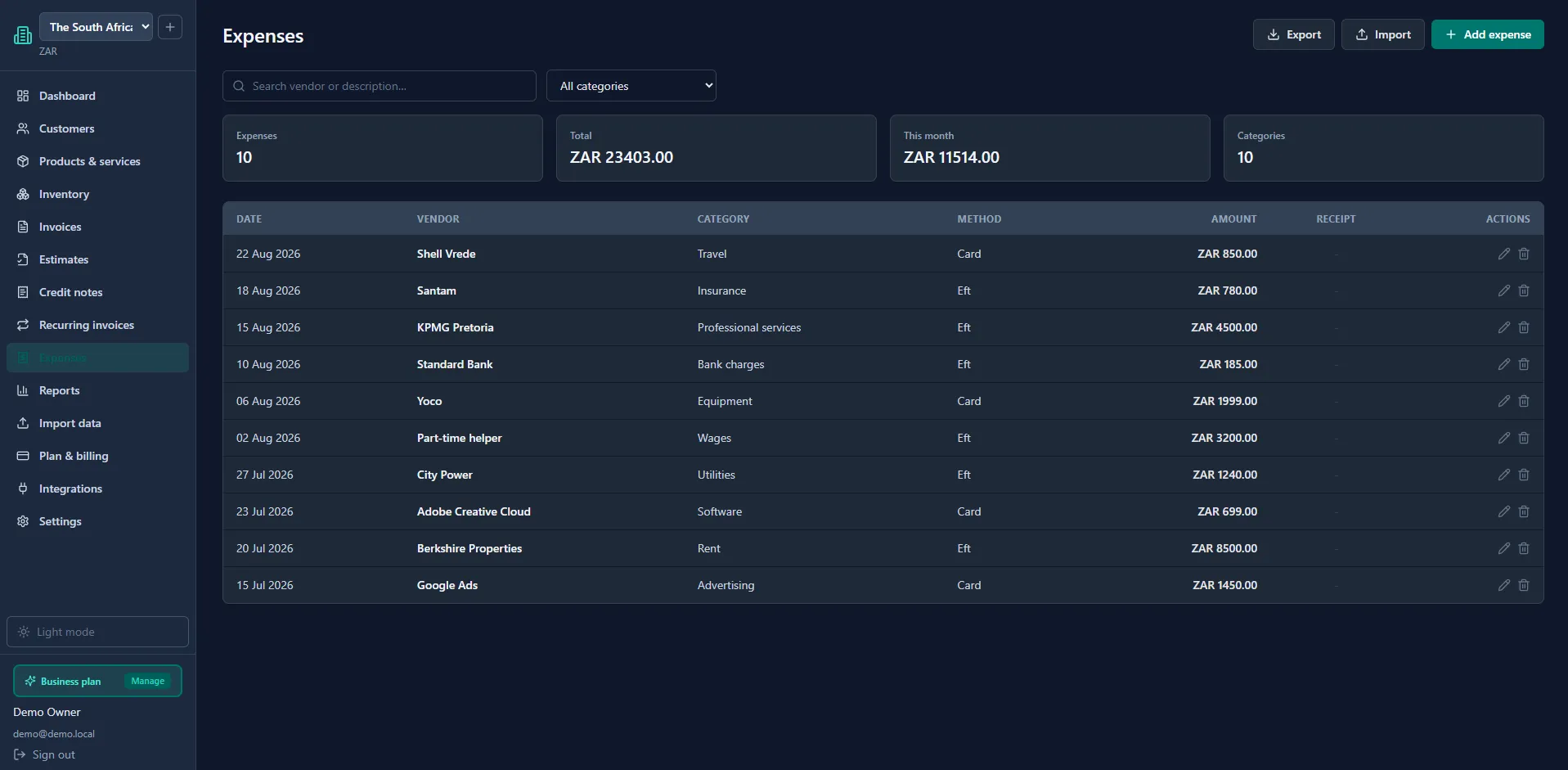
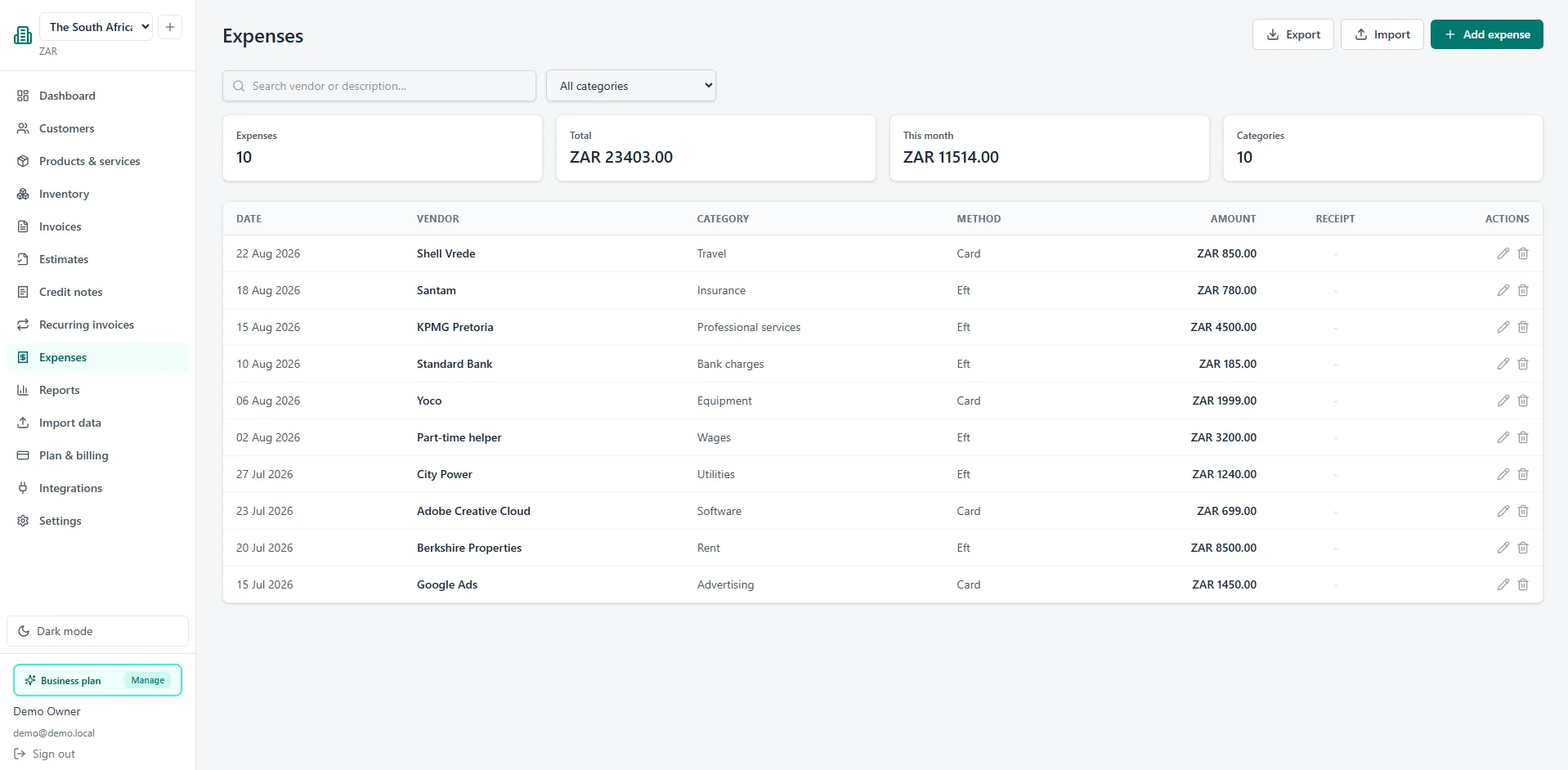
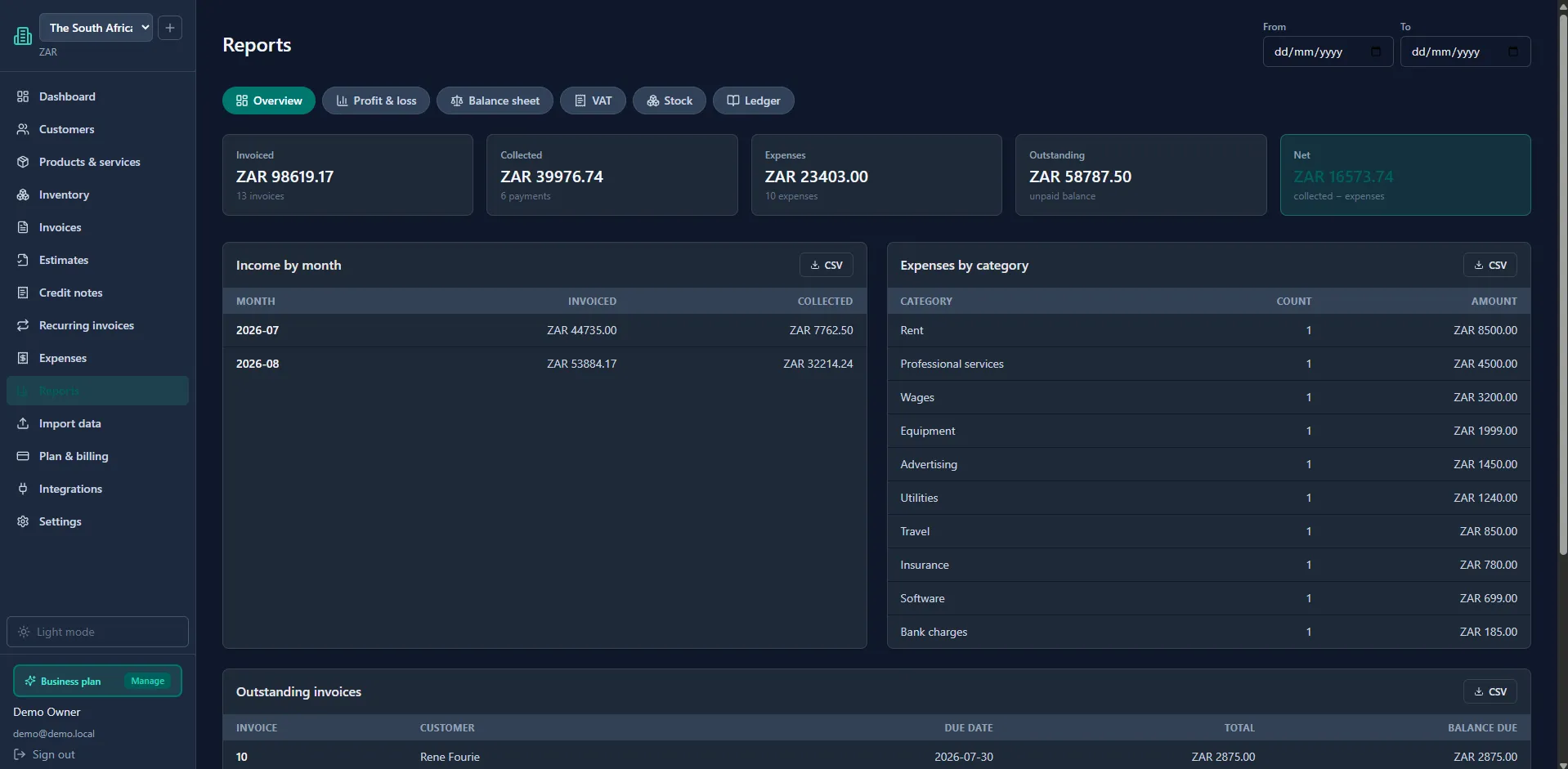
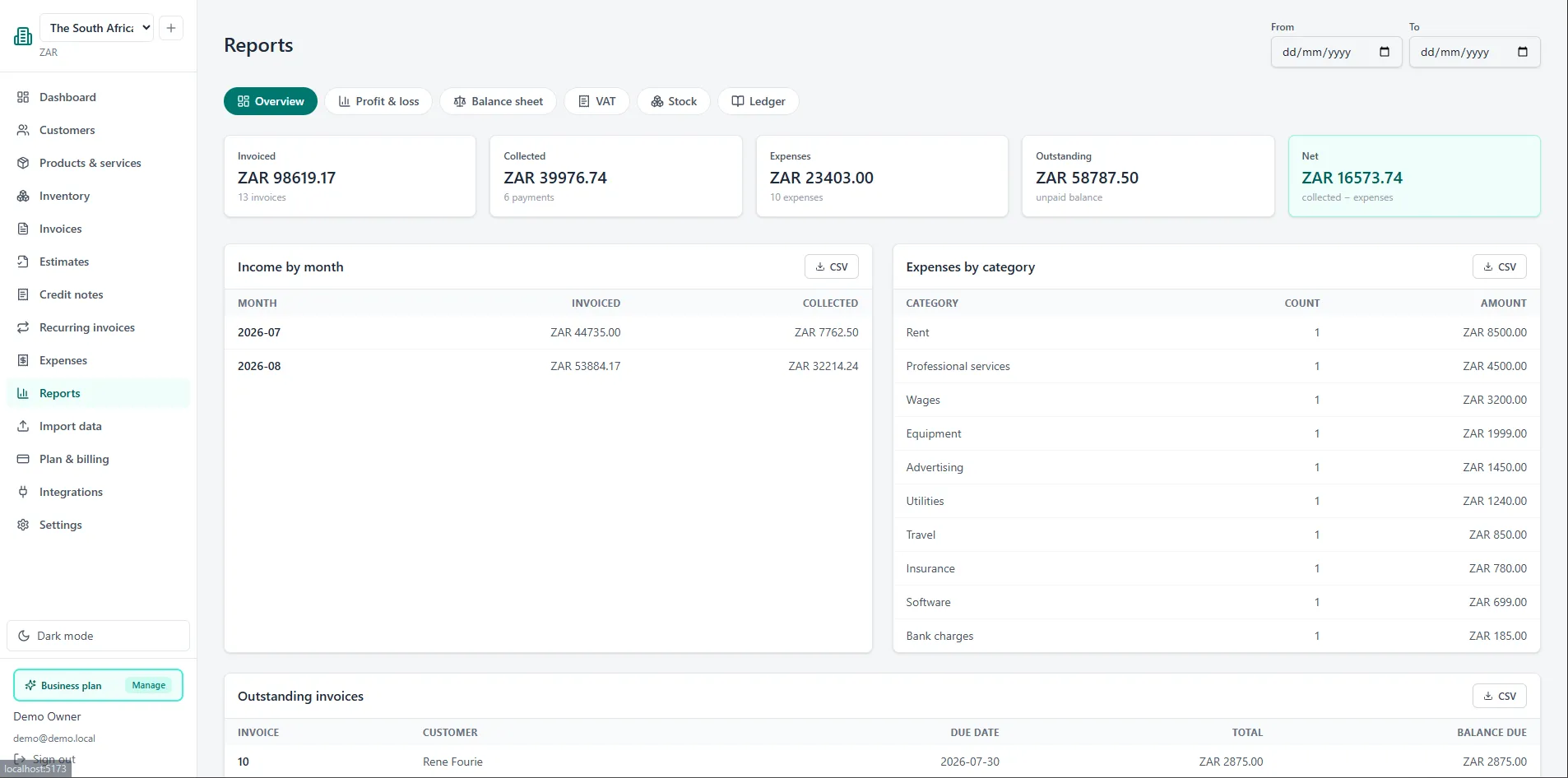
Record expenses, attach receipts and see simple reports of what's coming in and going out - so you always know where you stand.
Run up to three businesses from one login on the Business plan, each with its own branding, bank details and invoice numbering.
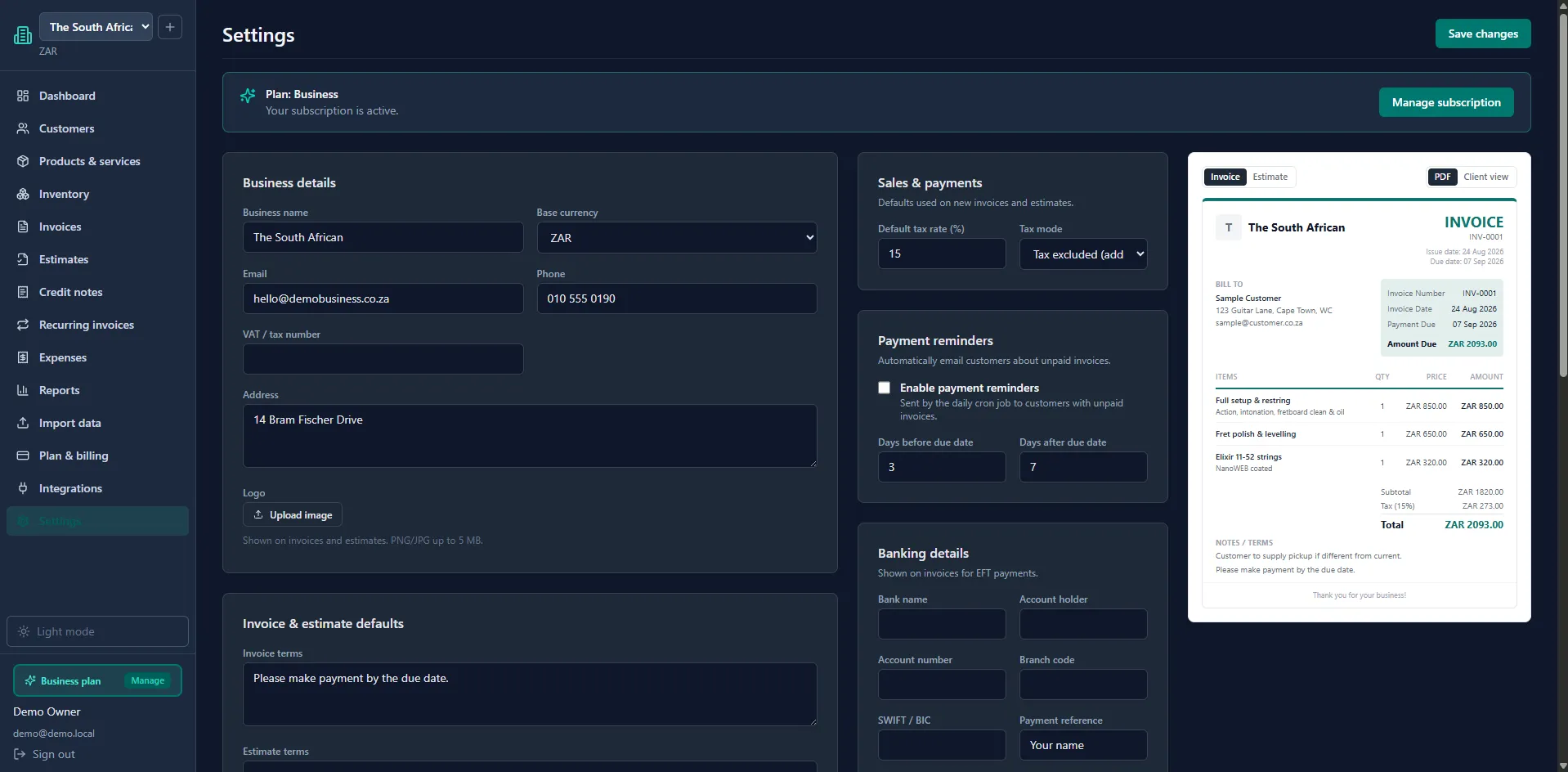
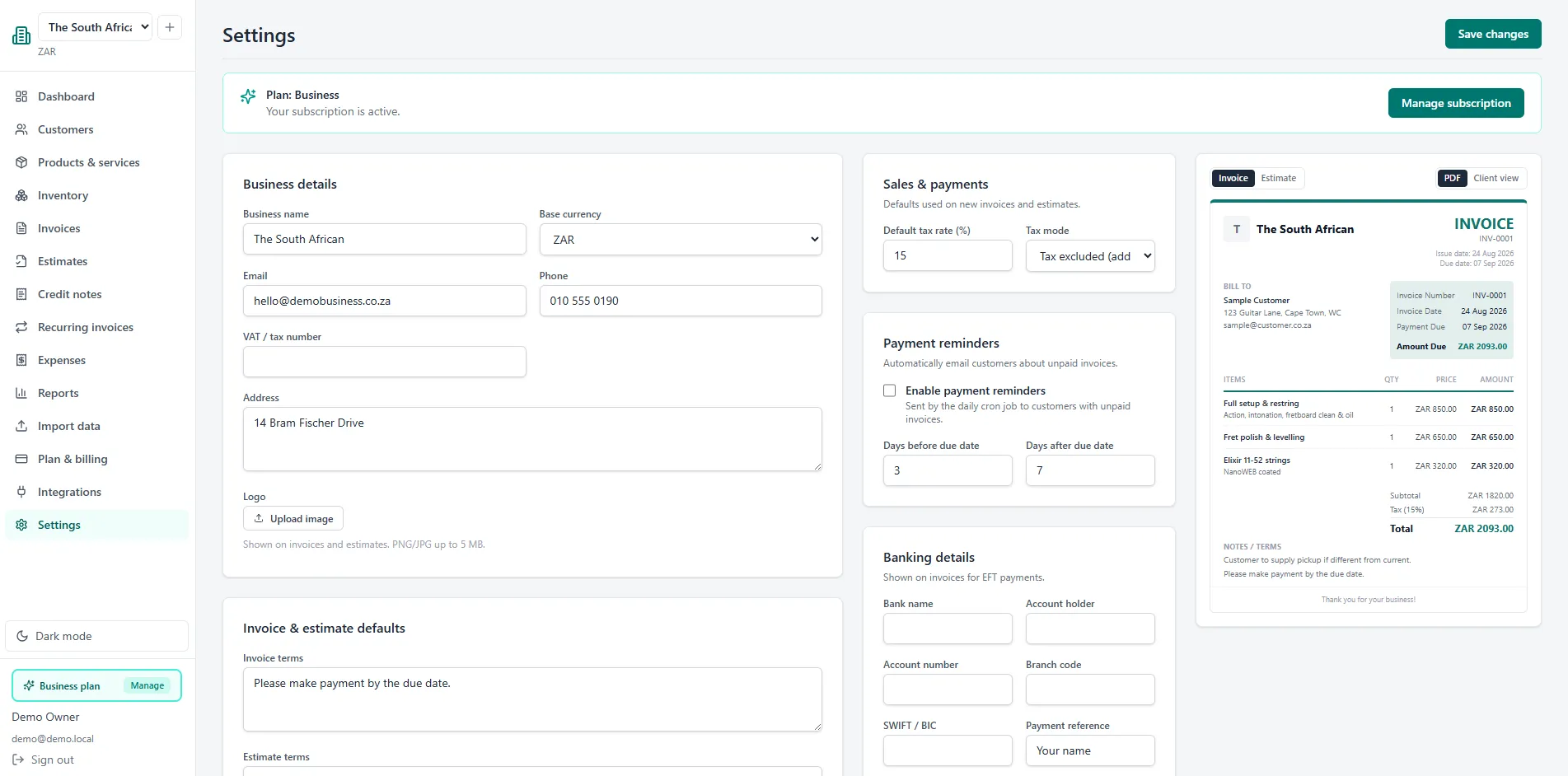
Your logo, colours, website and footer on every PDF and email. Your customers see your brand - not a generic template.
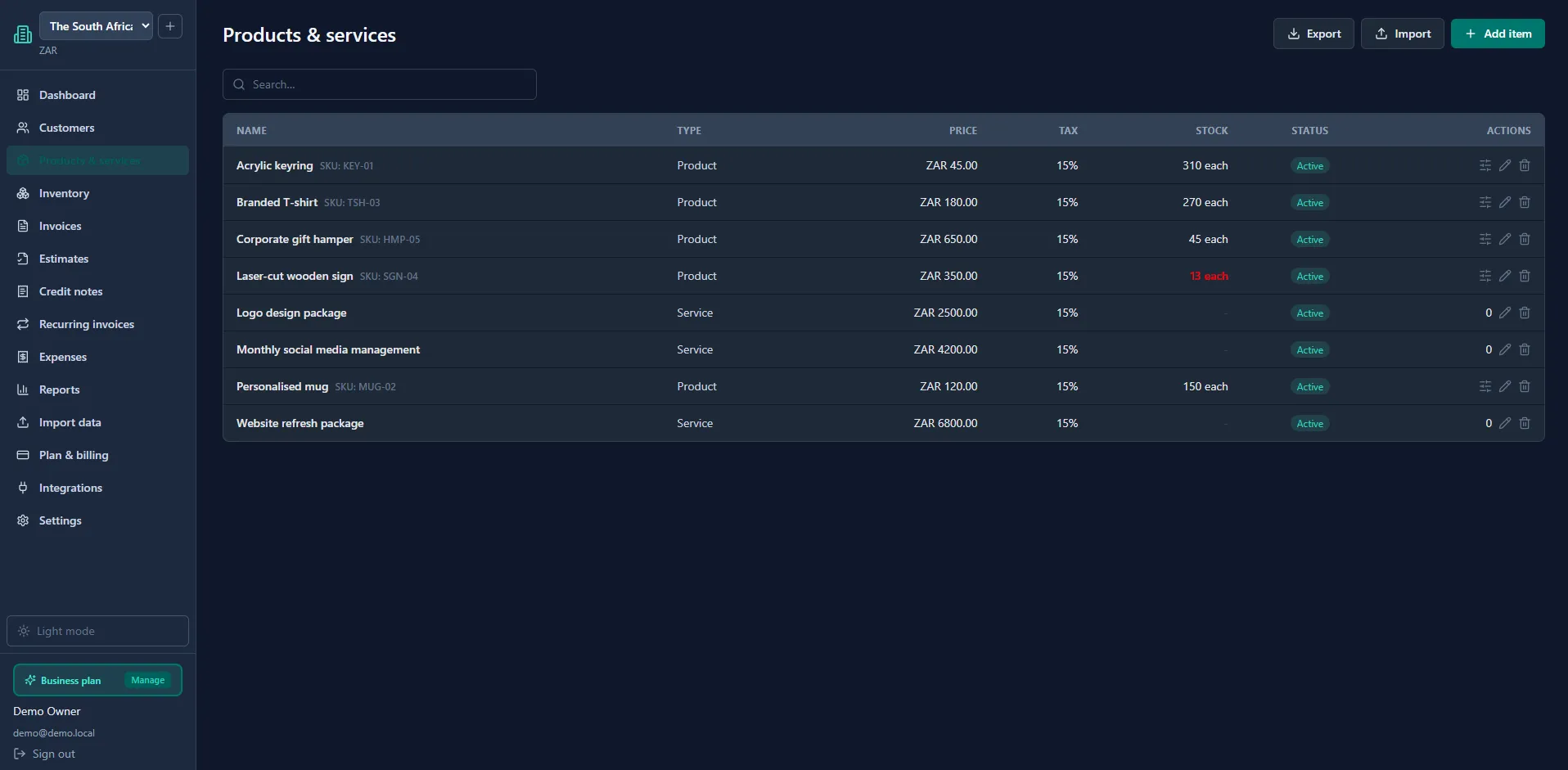
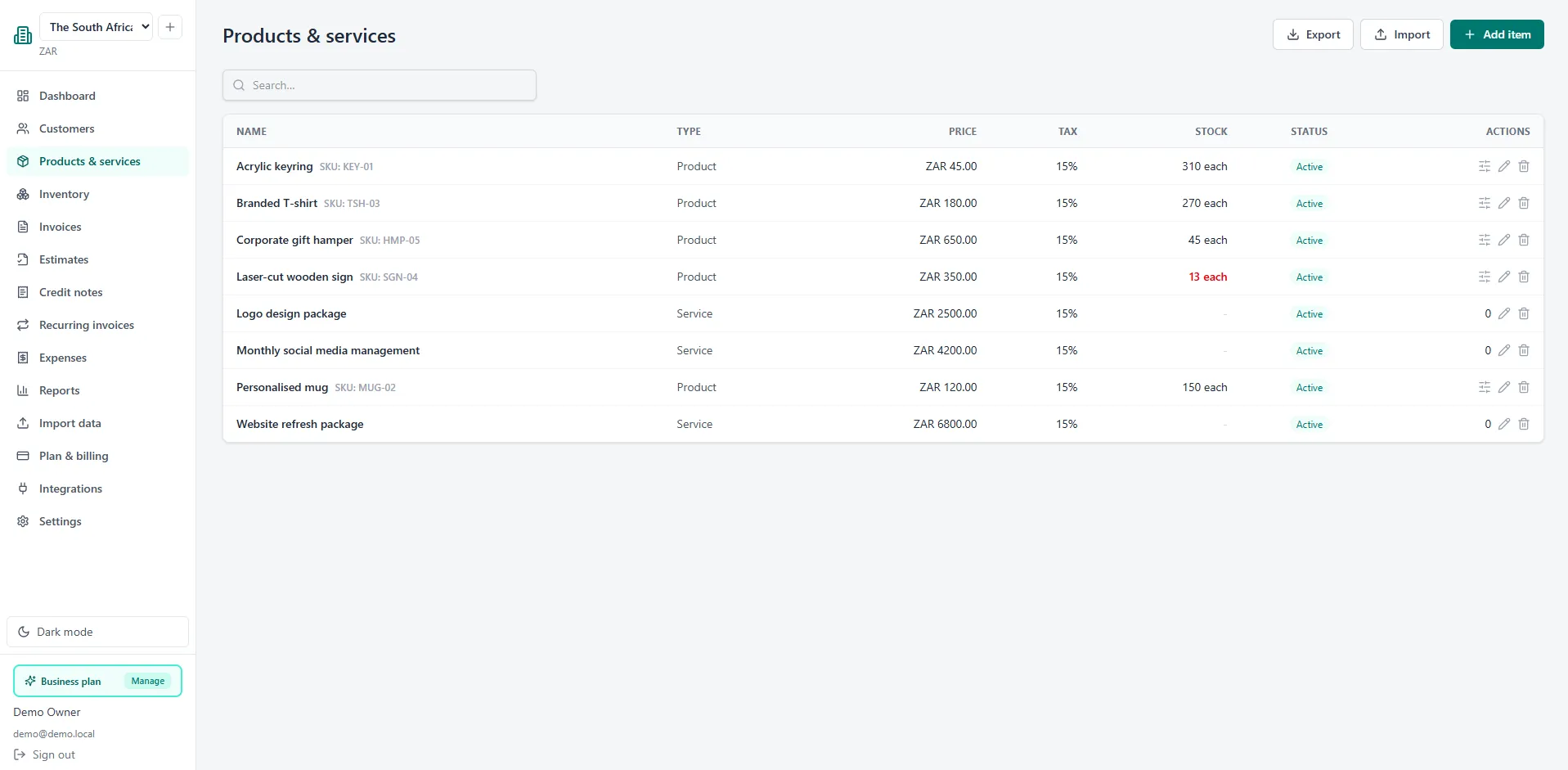
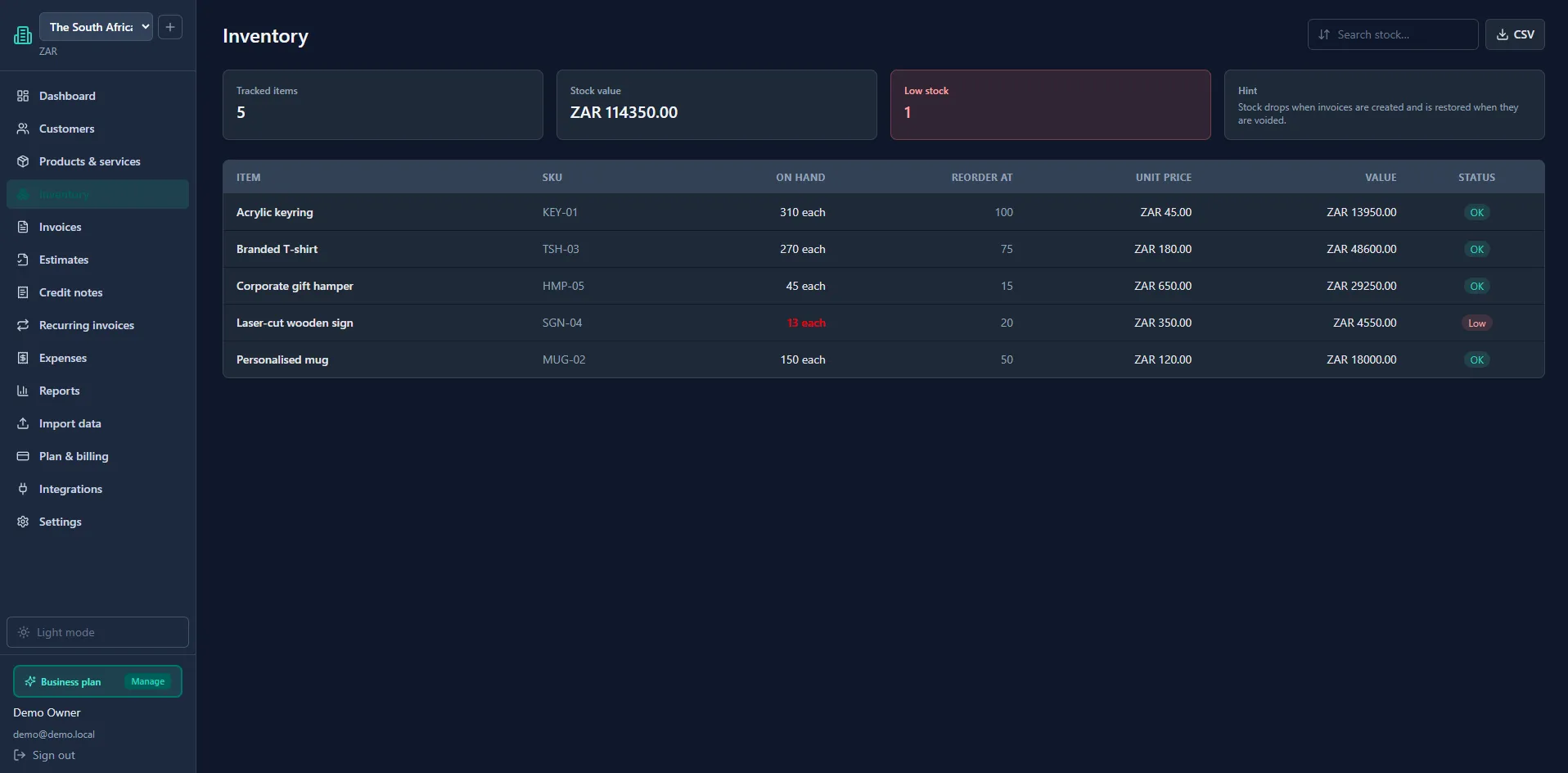
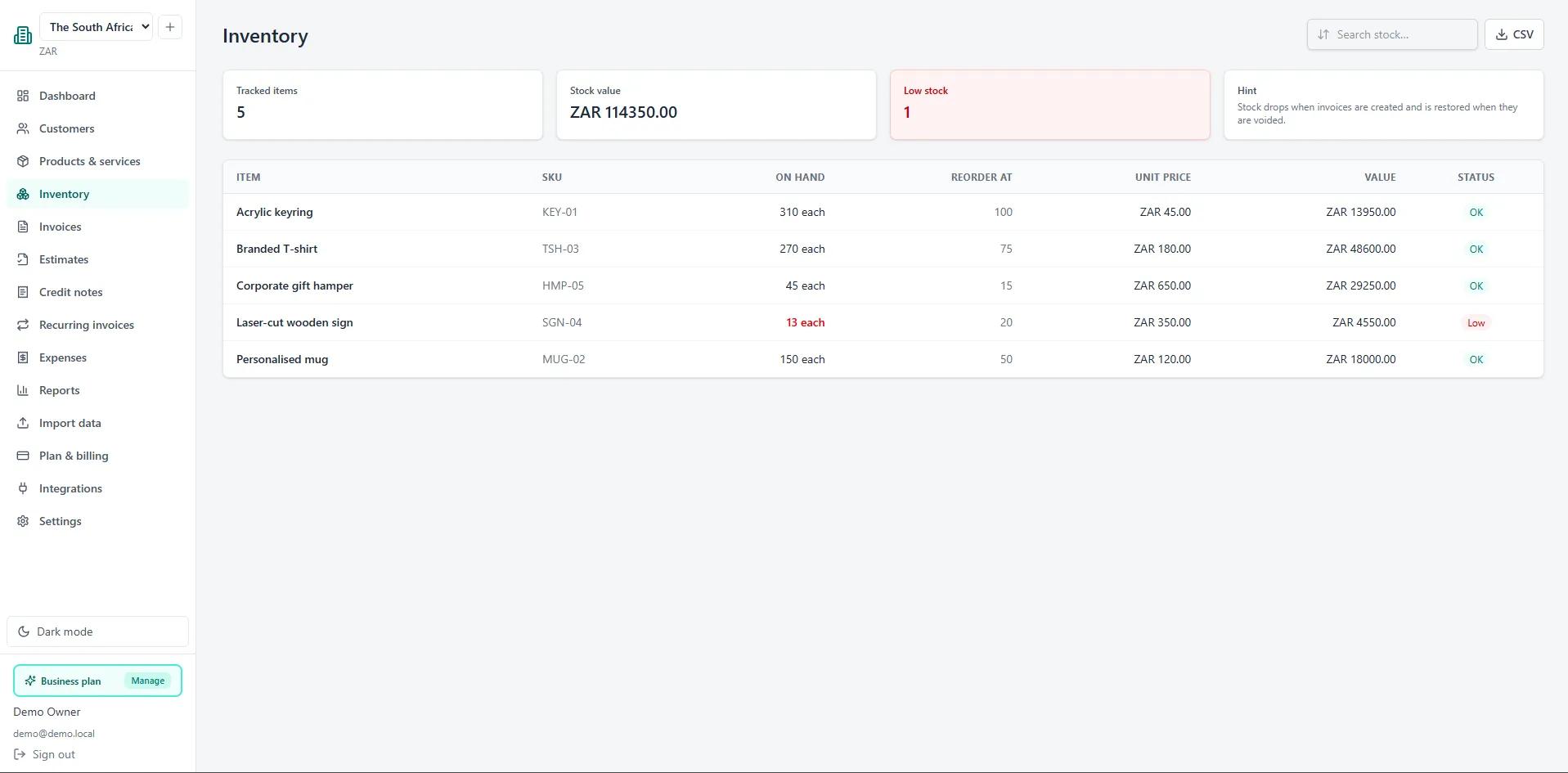
Track stock against every product with SKUs, units and reorder levels. Stock updates automatically when invoices are created or voided, and low-stock items stand out at a glance.
Issue numbered credit notes and apply them against invoices, or set up recurring invoices that bill customers automatically. Payment reminders nudge customers before and after the due date.
Profit & loss, a simplified balance sheet and a VAT output report - built from your invoices, credit notes and expenses, exportable to CSV for your accountant.
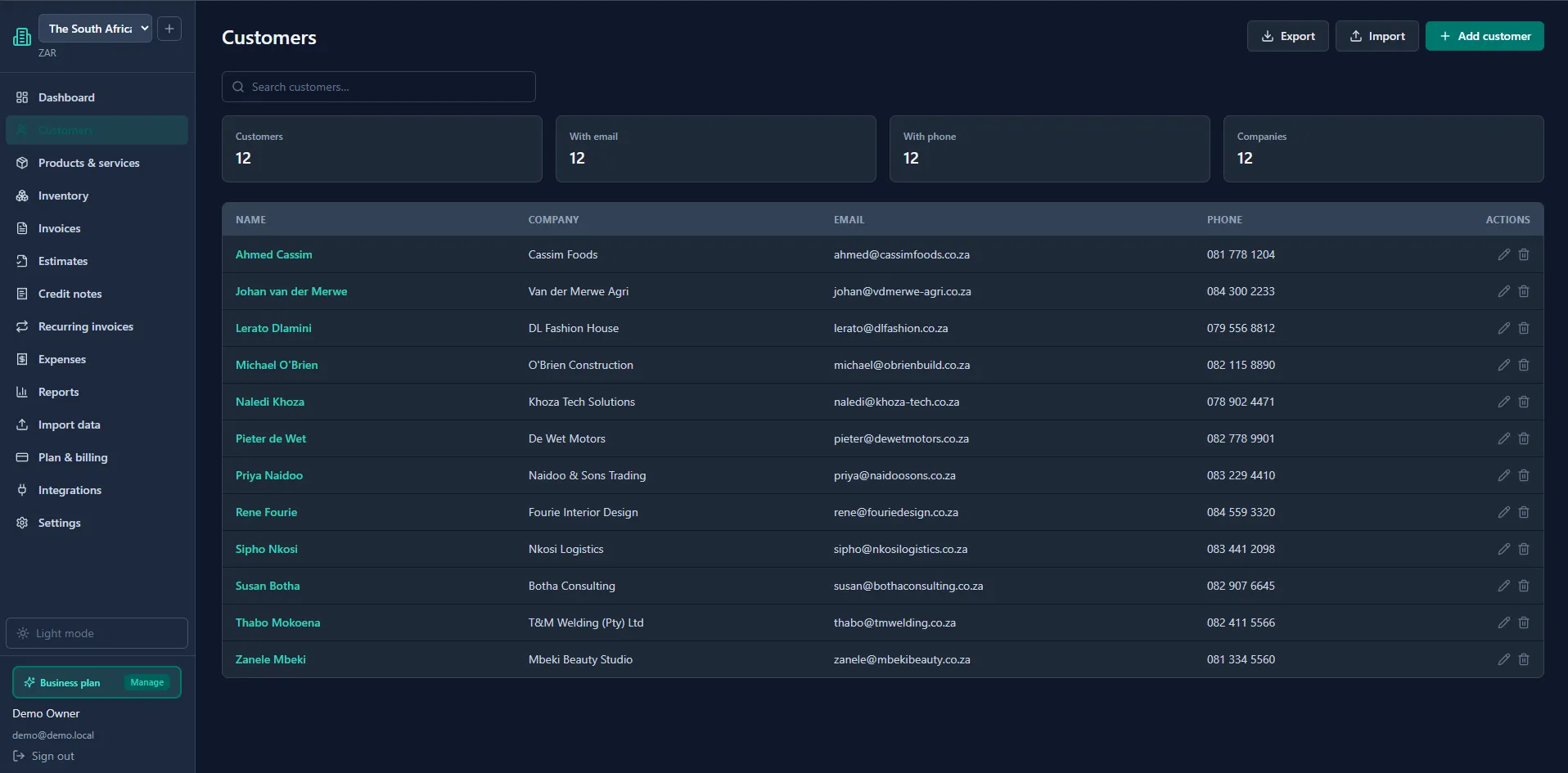
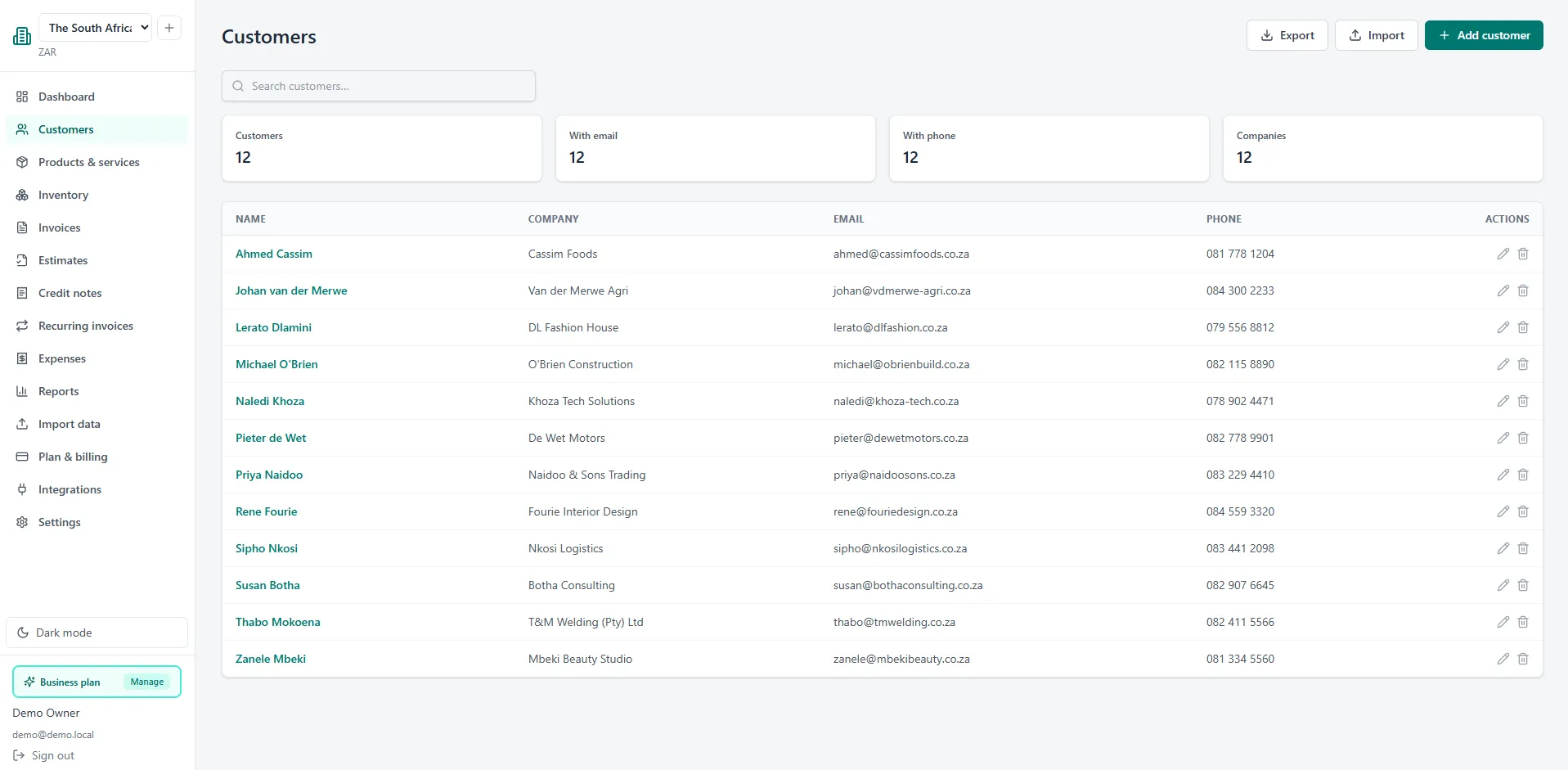
Light mode for the daywalkers, dark mode for the night owls. Tap the sun or moon in the header and your choice sticks across the whole site.
Sign up free with just an email and password. Add your business details in minutes.
Pick a customer, add your line items, and send. Your customer gets a clean, branded invoice.
Connect PayFast so customers can pay online, and watch payments update automatically.
Professional invoicing, quotes, expense tracking, inventory and reporting - all from a single dashboard.
Start free. Upgrade when you're ready. Cancel anytime - you keep your data.
R0/month
Perfect for getting started.
R179/month
For the business that wants it all.
R499/month
For multiple companies under one roof.
Prices in South African Rand, billed monthly via PayFast. No hidden fees - cancel anytime.
*We DO NOT charge you any fees on your PayFast payments, but PayFast's standard fees apply.
Yes. The Free plan is free forever - one business, 10 invoices and 10 estimates a month, and up to 50 customers. No credit card required to sign up.
You connect your own PayFast account. Customers can then pay by card or instant EFT straight from your invoice, and the payment updates your invoice automatically.
Yes - on the Pro and Business plans you can upload your logo, choose your accent colour, add your website and set a footer on all invoices and estimates.
The Business plan supports up to three businesses under one login, each with its own branding, bank details and invoice numbering.
You keep paid features until the end of your billing period, then your account returns to Free. Your data stays safe and you can upgrade again any time.
Yes - light mode for the daywalkers, dark mode for the night owls. Tap the sun or moon in the header to switch, and your choice is remembered on your next visit.
Yes. All data is encrypted in transit and at rest, passwords are securely hashed, two-factor authentication is available, and payment secrets are encrypted. Your data is backed up regularly and you can export or delete it at any time.
Yes - on the Pro and Business plans you can create recurring invoices that generate automatically on a schedule you choose. Combine that with PayFast and your customers are billed without you lifting a finger.
From clear payment terms to online payment links - the small changes that shrink your invoice days.
Read the guide →A signed quote is a promise to buy. Here's how converting quotes to invoices keeps cash flowing.
Read the guide →Your logo, colours and footer matter more than you think. Quick wins for a polished customer experience.
Read the guide →Output tax, input tax, zero-rated vs exempt - and how to pull the VAT report your accountant wants.
Read the guide →Why per-product stock levels stop write-offs, and how automated movements save you a weekly chore.
Read the guide →Invoicing overseas customers without messy conversions - record the rate once and report in rands.
Read the guide →Join the small businesses already using MyFinance Studio to send invoices, close quotes and accept payments. Free to start.
Questions? Email info@myfinancestudio.co.za - we're happy to help.